 RisingStar
- Home
- About Us
- Products
- News
- Video
- Contact
- Send Inquiry
Search
- Home
- About Us
- Products
- News
- Video
- Contact
- Send Inquiry
RisingStar
In the rapidly evolving world of display technology, In-Plane Switching (IPS) has emerged as a leading panel type for high-quality visual performance. Originally developed by Hitachi in the late 1990s and later refined by various manufacturers, IPS panels have become the go-to choice for professionals and consumers alike who demand accurate color reproduction, wide viewing angles, and consistent brightness. But what exactly is IPS in a monitor, and why does it matter?
At its core, IPS refers to a specific liquid crystal display (LCD) technology where the liquid crystals are aligned horizontally within the panel—parallel to the glass substrates—rather than vertically as in older Twisted Nematic (TN) panels. This alignment allows for better control over light transmission, resulting in superior color accuracy, more stable contrast levels, and significantly improved off-axis viewing performance. For users working with digital photography, graphic design, video editing, or even playing high-end games, this means colors remain true no matter the angle from which you view the screen.
One of the most compelling advantages of IPS monitors is their ability to maintain image quality when viewed from the side—a critical feature for collaborative work environments or multi-user setups. Unlike TN panels that suffer from severe color shift and brightness loss at angles beyond 30 degrees, IPS panels can deliver usable visuals up to 178 degrees horizontally and vertically. This makes them ideal not only for creative professionals but also for use in medical imaging, industrial automation, and military applications where reliable, readable displays under harsh lighting conditions are essential.
Another key benefit of IPS technology is its enhanced color gamut coverage. Modern IPS panels often support 99% of the sRGB color space and sometimes exceed into Adobe RGB or DCI-P3 ranges—crucial for photographers, filmmakers, and designers who rely on precise hue representation. Furthermore, many IPS monitors come equipped with factory calibration and built-in color management tools, allowing users to fine-tune display settings for specific tasks.
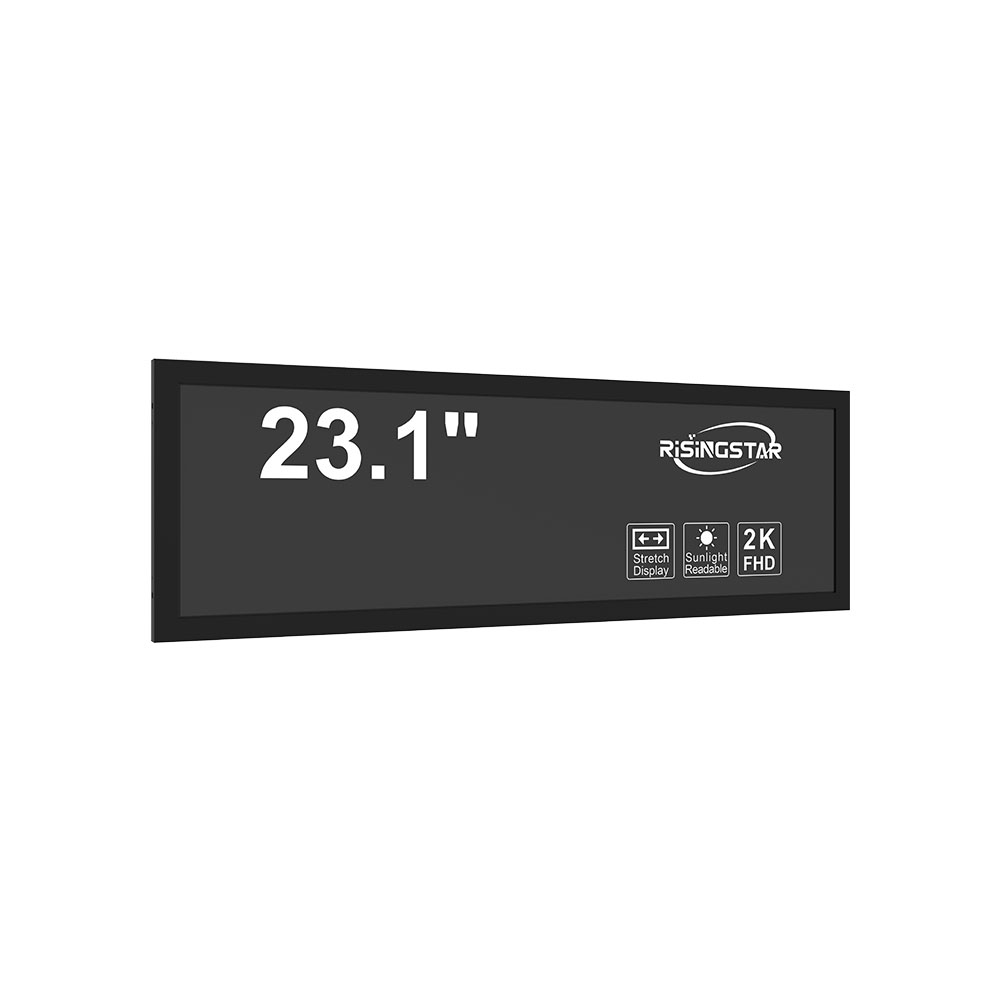
However, IPS isn’t without trade-offs. Historically, IPS panels had slower response times compared to TN counterparts, leading to motion blur in fast-paced gaming scenarios. But thanks to advancements such as Fast IPS, Ultra Fast IPS, and newer variants like IPS Black, modern IPS monitors now offer response times as low as 1ms, making them competitive with TN panels in gaming performance while still retaining their superior color fidelity. Additionally, IPS panels typically consume more power than TN panels, though this gap has narrowed with energy-efficient backlighting and OLED integration in premium models.
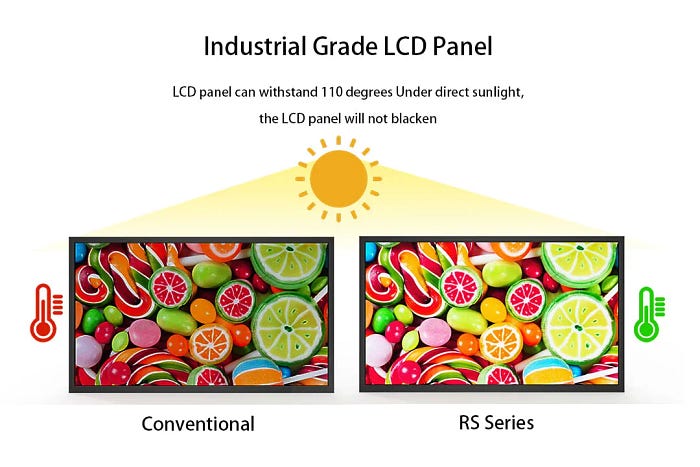
For those seeking sunlight-readable displays in outdoor or bright indoor environments, IPS-based LCDs are particularly effective due to their high peak brightness capabilities—often exceeding 1000 nits—and advanced anti-glare coatings. These features make them suitable for ruggedized laptops, outdoor kiosks, aviation HUDs, and automotive infotainment systems.
In summary, understanding what is IPS in a monitor involves recognizing its role as a cornerstone of professional-grade display technology. Whether you're a designer evaluating color accuracy, a gamer choosing between responsiveness and clarity, or an engineer selecting a display for harsh environments, IPS offers a balanced solution that prioritizes visual fidelity without sacrificing usability. With continuous innovation in manufacturing processes and materials, IPS continues to lead the market in both consumer and industrial applications, setting new benchmarks for how we interact with digital content.