 RisingStar
- Home
- About Us
- Products
- News
- Video
- Contact
- Send Inquiry
Search
- Home
- About Us
- Products
- News
- Video
- Contact
- Send Inquiry
RisingStar
💡 Quick Answers
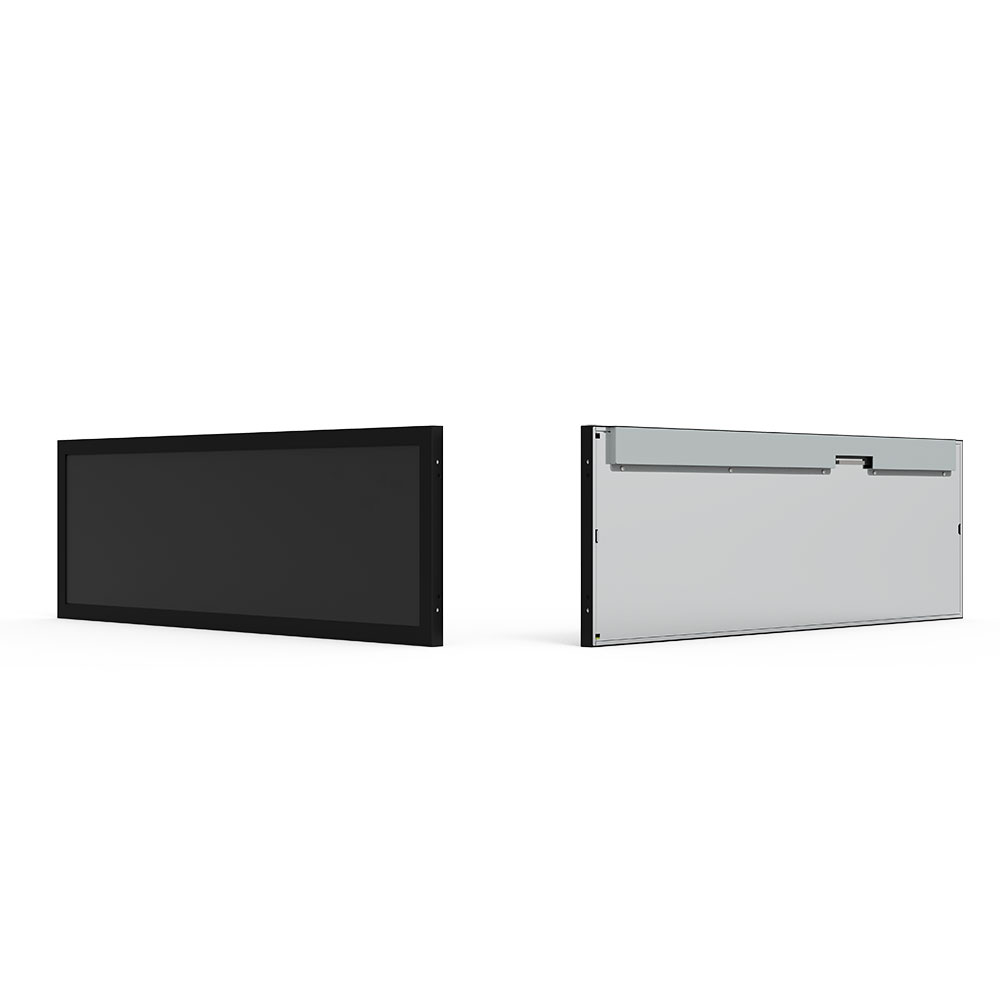
What is an Open Frame Display? An open frame display (or open frame monitor) is an enclosure-free, integration-ready LCD panel mounted on a rigid metal chassis with pre-drilled mounting brackets, engineered for OEMs and system integrators to embed into custom kiosks, ATMs, industrial equipment, and self-service terminals.
Why choose an open frame monitor over a standard one? Standard monitors come wrapped in plastic housings and stands — an open frame display strips away the outer shell, saving 40–60% on physical depth, giving you complete control over bezel design and brand identity, and enabling passive heat dissipation through the exposed metal chassis.
Who is RisingStar? RisingStar is a manufacturer with a 4,000㎡ ISO 9001-certified facility in Shenzhen, specializing in sunlight-readable (1,000–5,000 nits) open frame monitors with Hi-Tni panel technology, PCAP touch, and IP65 sealing. 500+ enterprise clients across 50+ countries, direct Tier-1 panel partnerships (LG Display, AUO, Innolux, BOE, Tianma), and factory-direct pricing.
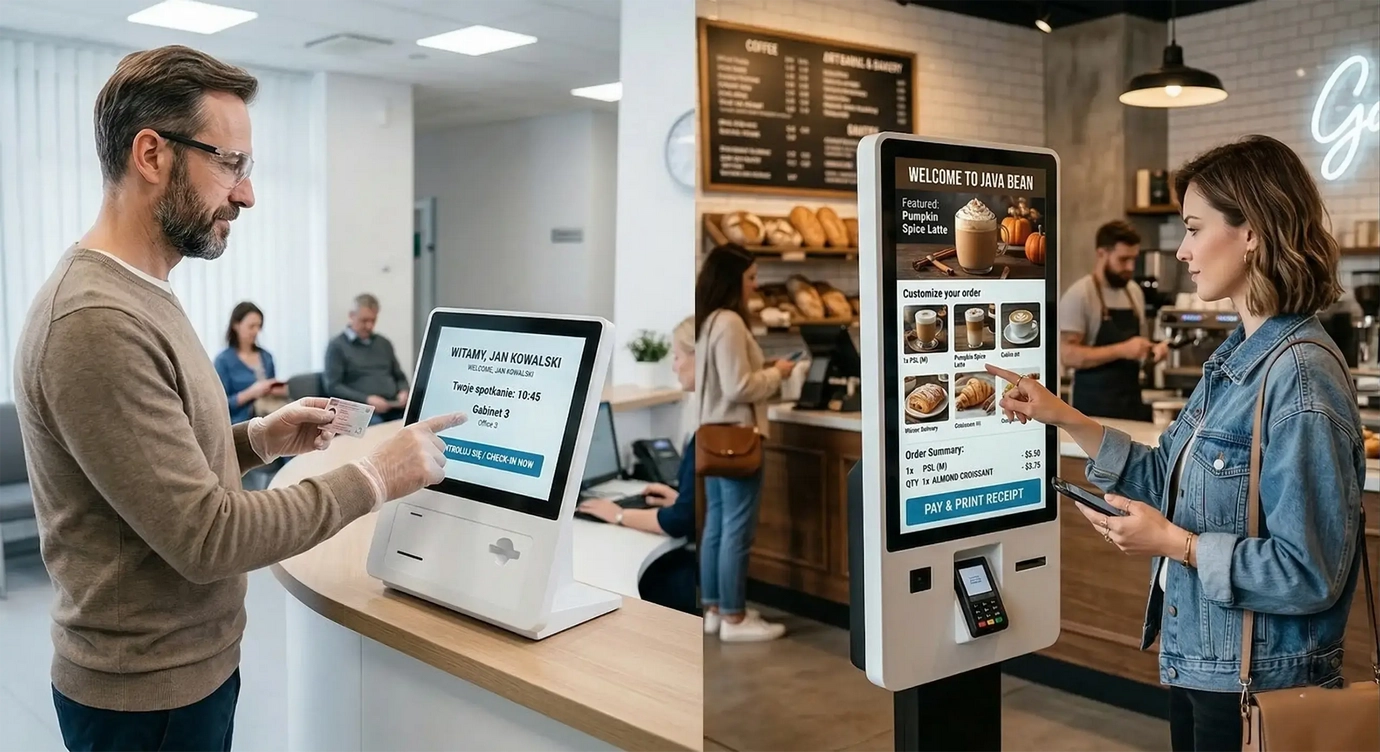
Picture this: You're standing at a self-checkout kiosk in a grocery store. The sun is pouring through the front windows. You tap the screen, swipe through options, pay, and leave. You never once thought about the display itself. It just worked.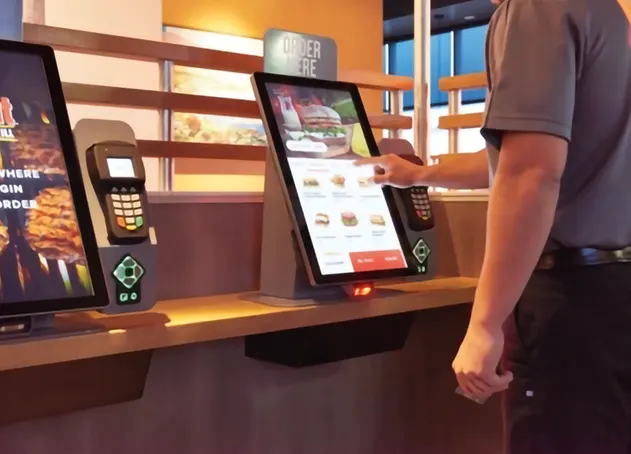
That's the whole job of an open frame display.
Here's the problem most OEMs and kiosk builders run into: off-the-shelf monitors come wrapped in plastic bezels, bulky rear housings, and desktop stands. You don't need any of that. You already have a custom enclosure — a machined front panel, a weather-sealed cabinet, a medical cart. A consumer monitor fights your design. It looks bolted on. It takes up space you don't have. And when it fails six months in because the location runs hotter than a server closet, you're the one scrambling for replacements.
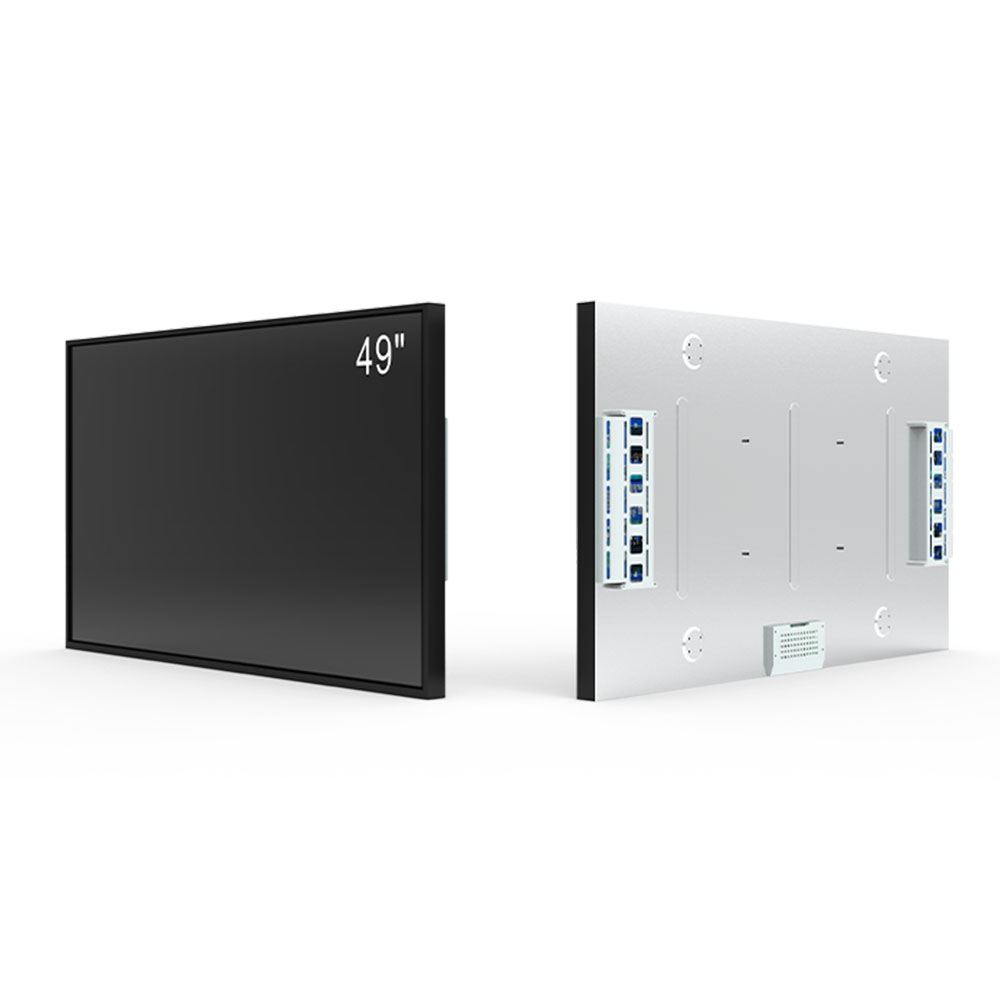
An open frame monitor solves this from the ground up. No plastic shell. No stand. Just the LCD panel, backlight, driver board, and touch sensor — all mounted on a rigid metal chassis with standard mounting points. You drop it into your enclosure. It fits. It disappears. Your product looks like your product, not like someone glued a Dell monitor to the front of it.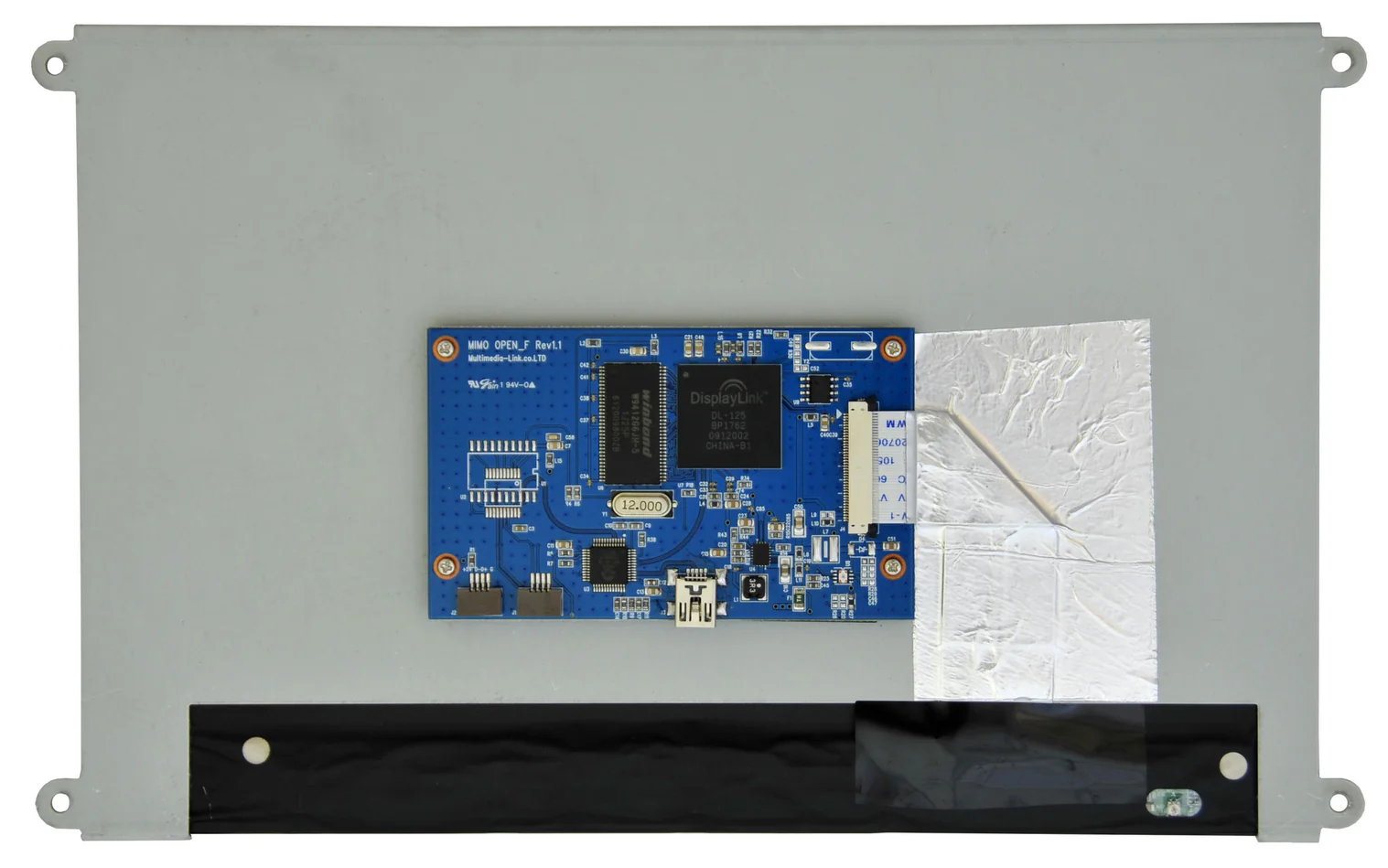
At RisingStar, we've spent 15 years building displays that thrive in places where normal screens don't last a week. Direct panel partnerships with LG Display, AUO, Innolux, BOE, and Tianma. A 4,000㎡ ISO 9001-certified facility in Shenzhen with a Class 10,000 cleanroom. And a manufacturing line that puts every single unit through a 72-hour burn-in test before it ships.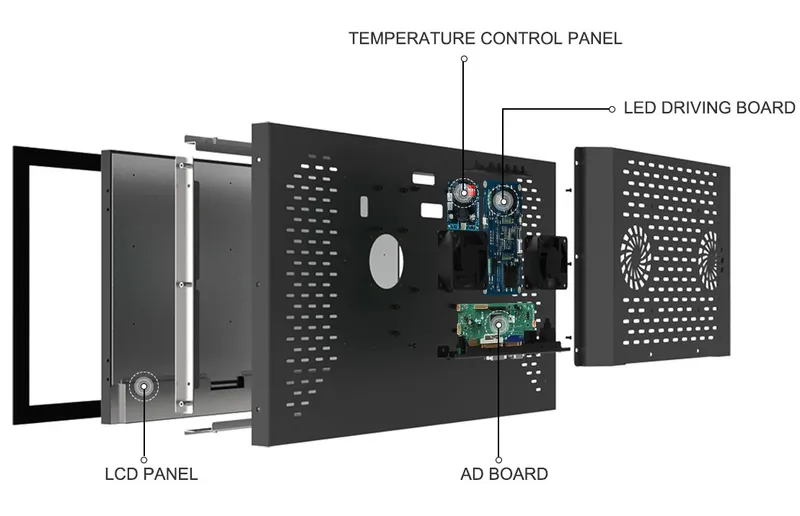
Need an open frame display that slots into your hardware and handles whatever the environment throws at it? Browse our full range here.
A standard monitor is a finished consumer product. An open frame monitor is a component — and that distinction changes everything about how you design, build, and service your machine.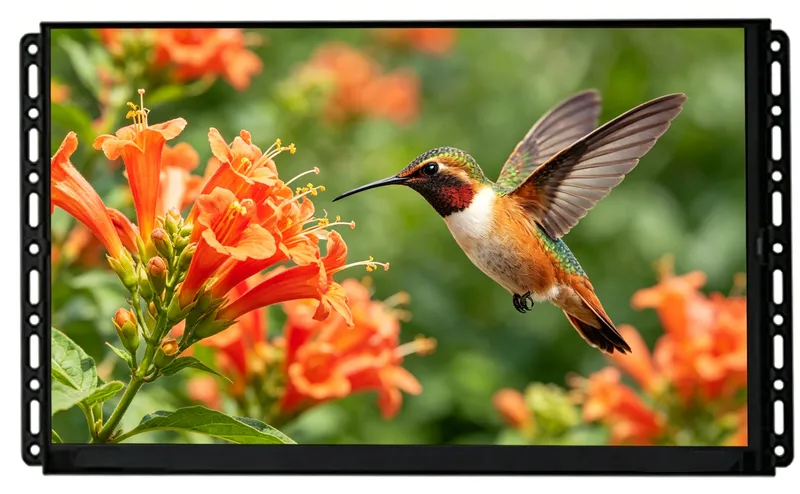
Think of it like cabinetry. You don't buy a pre-built kitchen cabinet and try to force it into a custom alcove. You buy the door, the hinges, the shelf hardware, and you build it to fit. Same logic. OEMs designing a ticketing kiosk, an industrial HMI panel, or a medical cart don't need Dell's plastic shroud. They need the display guts — and nothing else.
Brushed aluminum front panel. Flush glass surface. Your brand logo, your color, your bezel profile. With an enclosed monitor, you're stuck with whatever the monitor manufacturer decided looks "premium." With an open frame monitor, you decide. The display sits behind your panel, visible through your cutout, looking like it was born there.
Kiosk enclosures are getting thinner. Wall-mounted info panels need to sit nearly flush. Open frame displays run 25–45mm deep (chassis only). A typical enclosed monitor? 80–120mm. That 55mm difference might be the margin between "fits in the cabinet" and "redesign the cabinet."
Ever seen a high-end kiosk with a Samsung logo peeking through the glass? It broadcasts "we bought a monitor and stuck it in." Integrating the bare module means your product has one visual identity — yours. One finish. One impression.
Field service reality: touch panels fail. Backlights dim. When a self-service kiosk at a train station goes dark, the operator doesn't want to hear "we need to disassemble the entire unit." Open frame modules are front- or rear-serviceable. Pull the failed part, slot in a replacement, and the machine is back online — often in under 30 minutes. That's MTTR you can sell to your customers.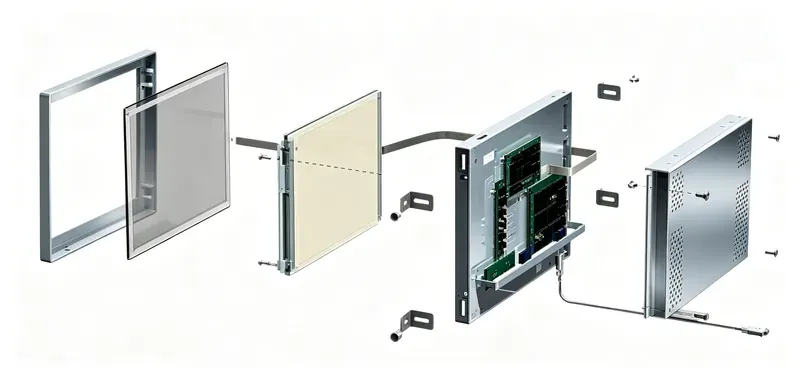
Every enclosure, stand, and retail box adds cost without adding capability. For high-volume deployments — 500 ATMs, 2,000 retail kiosks, a fleet of medical workstations — stripping those extras out saves real money per unit. You keep the panel quality. You lose the fluff.
When you're designing an embedded terminal, picking the wrong hardware architecture sends you back to the drawing board. Here's how the three options stack up: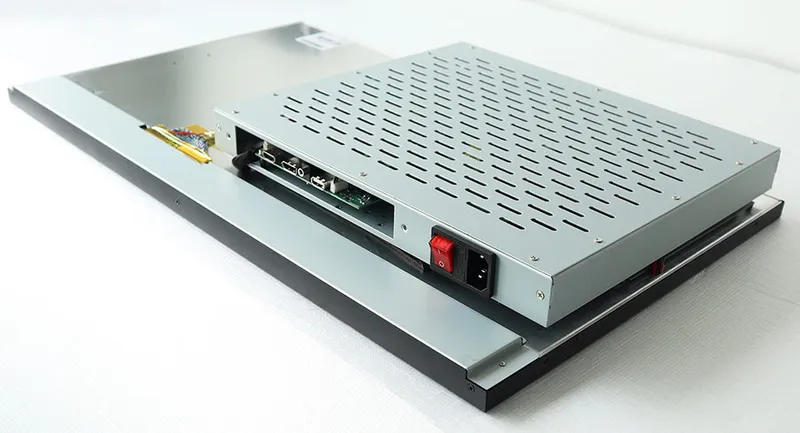
| Feature | Open Frame Display (Monitor Only) | Chassis Monitor (Enclosed) | Industrial Panel PC (All-in-One) |
|---|---|---|---|
| Enclosure | Zero housing — exposed metal chassis with mounting flanges | Fully enclosed metal or plastic casing with fixed bezel | Enclosed metal housing containing display + computer |
| Your Design Freedom | Maximum — you design the bezel, choose the finish, control the brand identity | Limited — stuck with the manufacturer's bezel shape, color, and logo placement | Moderate — front bezel is integrated, but the unit flush-mounts as one piece |
| Depth Profile | 25mm–45mm (chassis only) | 60mm–120mm | Deepest — integrated motherboard and power supply add bulk |
| Compute System | External — connects to your PC/board via HDMI, DP, or LVDS | External — same as open frame | Built-in — Intel/ARM CPU, RAM, storage, and OS pre-loaded |
| Thermal Dissipation | Excellent — exposed metal chassis acts as a direct heatsink | Average — trapped air inside the casing needs active fan ventilation | Complex — heat from both backlight and CPU accumulate inside the sealed housing |
| Field Service | Front- or rear-swappable module — MTTR under 30 minutes | Must remove entire unit — MTTR 1–2 hours | Full system swap or component-level repair — MTTR longest |
| Cost Profile | Most cost-effective — you pay for the panel and electronics only | Moderate — adds casing and stand cost | Highest — includes full computer hardware and OS licensing |
| Best For | Self-service kiosks, ATM terminals, custom gaming cabinets, embedded medical devices | Wall-mounted signage, desktop control stations where industrial design is already set | Factory-floor HMI, CNC controllers, IoT gateways where the all-in-one form factor simplifies deployment |
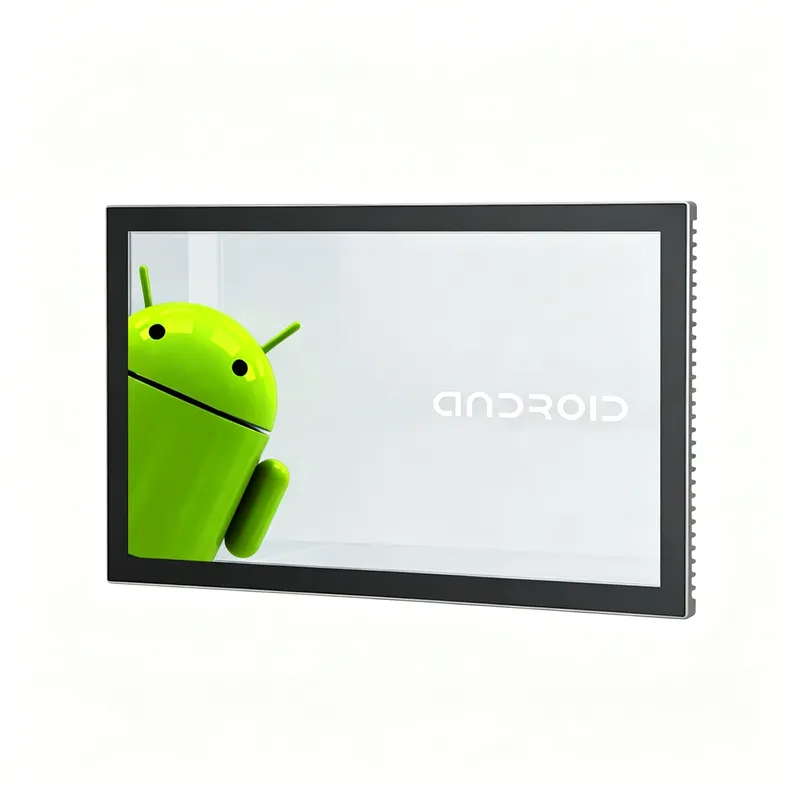
The short version: If you already have a computer and a custom enclosure, an open frame monitor is the only option that doesn't force a compromise. If you need a display in a box and don't care about bezel design, a chassis monitor works. If you need display + computer in one sealed unit and don't mind the cost, go panel PC.
| Specification | RisingStar Open Frame Range |
|---|---|
| Screen Sizes | 7" – 65" |
| Resolution | WXGA (1280×800) to 4K UHD |
| Brightness | 1,000 – 5,000 nits |
| Viewing Angle | 178°/178° (IPS/AHVA) |
| Contrast Ratio | Up to 5,000:1 |
| Backlight Lifespan | Up to 50,000 hours |
| Operating Temp | -20°C to 70°C (industrial) |
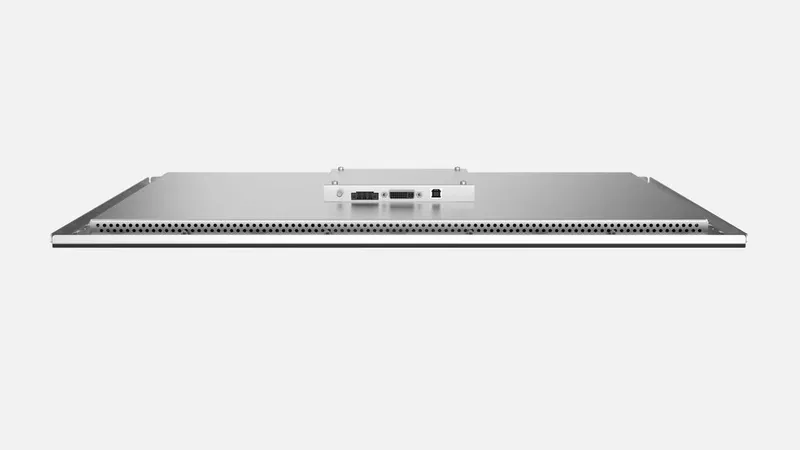
Here's a test you can run yourself: take your phone outside on a sunny afternoon. Now try to read a dark-mode webpage. You're squinting, cupping your hand over the screen, tilting it away from the sun. That's 800 nits at best on a phone. Now imagine a 21.5" kiosk display sitting in a glass-walled airport terminal, competing with skylight glare at noon.
A standard 250-nit office monitor gives up instantly. It washes out to a pale gray rectangle. Our open frame displays start at 1,000 nits — enough punch for a bright retail lobby — and scale to 5,000 nits for direct-sunlight installations like drive-thru menu boards or desert gas station pumps.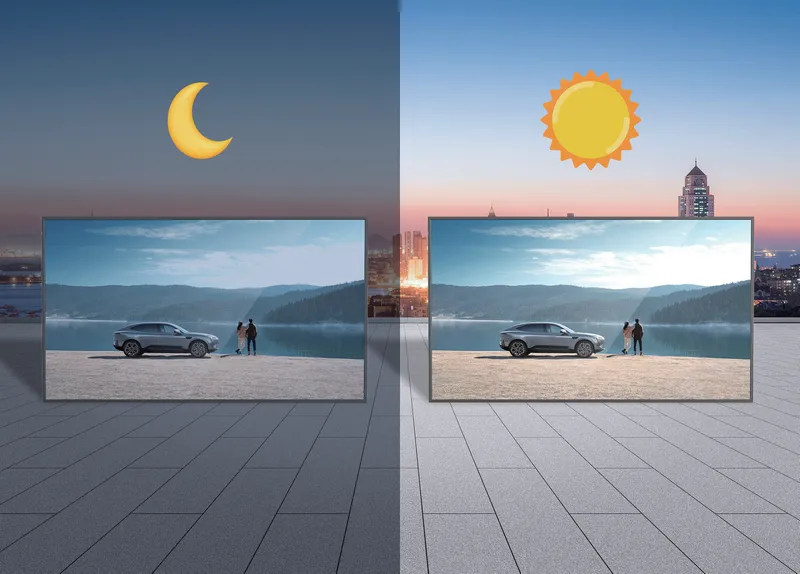
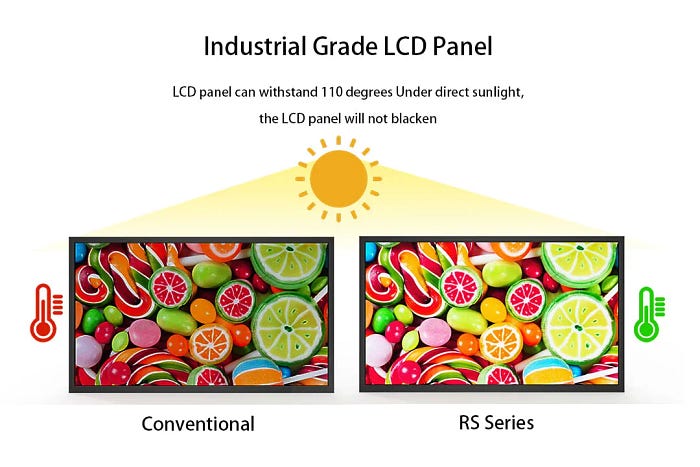
But cranking brightness alone isn't the answer. Push enough backlight through a standard LCD panel and it blackens from heat — permanently. Our Hi-Tni (High Temperature Nematic) panel engineering stops thermal blackening before it starts. The panel stays sharp even when ambient temps hit 70°C and the backlight is running full blast. No warping, no fading, no warranty claim six months later.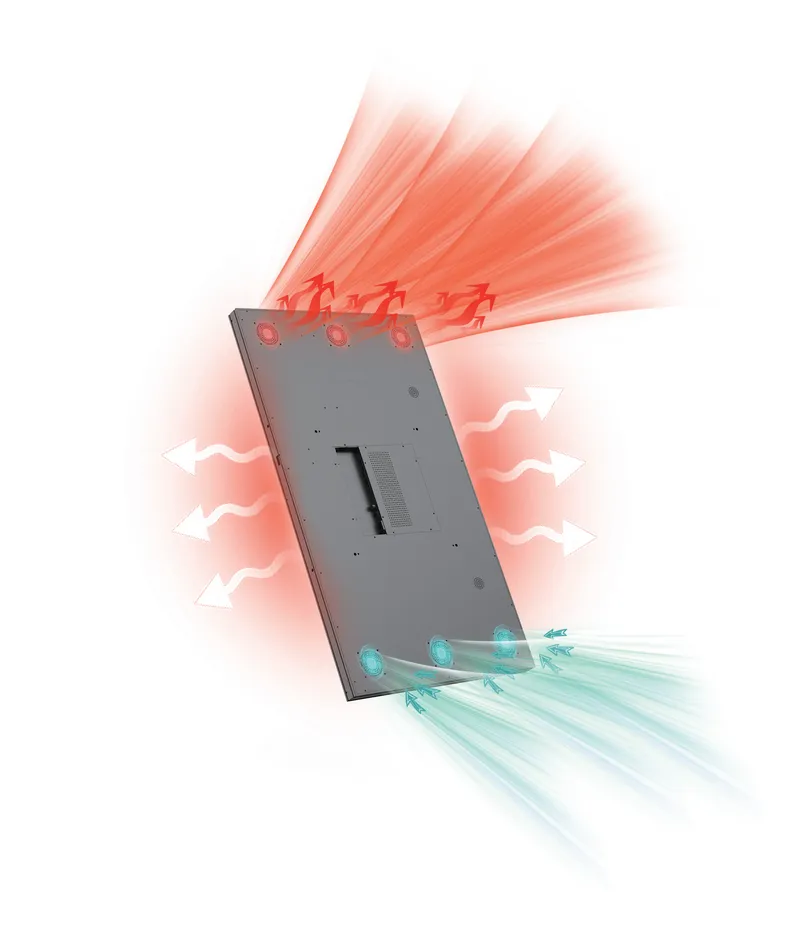
A kiosk display in a shopping mall gets touched by hundreds of strangers every day — some with wet hands from a spilled drink, some wearing wool gloves in winter. A display in a factory HMI panel gets prodded with a stylus or a gloved finger covered in machine oil.
RisingStar's Projected Capacitive (PCAP) multi-touch handles all of it. 10+ simultaneous touch points. Glove-compatible operation for medical and industrial settings. Wet-hand functionality for outdoor kiosks in rain or snow — it registers the touch, not the water on the glass.
For maximum input flexibility, we also offer 5-wire resistive touch. Works with fingers, styluses, pens, gloved hands, even the corner of a credit card. No calibration drift over time.

Integration isn't an afterthought. It's the starting point:
Mounting: VESA 75×75mm, VESA 100×100mm, front bezel mount, rear mount, side-tab configurations — pick what your enclosure needs
Video Inputs: HDMI, VGA, DisplayPort, LVDS, eDP
Touch Interfaces: USB and RS-232
Power: 12V DC for commercial, 24V DC for industrial, 9V–36V DC wide-range for vehicle-mounted systems
Depth: Slim chassis as thin as 25mm for tight enclosures
Embedded displays don't live in air-conditioned offices. They sit inside outdoor kiosks in Phoenix summers, factory control panels covered in airborne particulates, and ATMs on busy streets getting kicked by impatient customers.
RisingStar builds for that reality: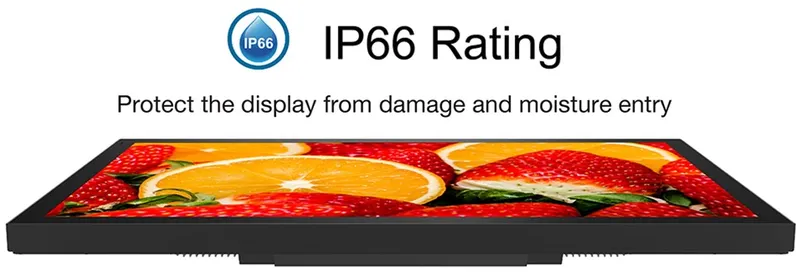
IP66 Front-Panel Sealing: Dust doesn't get in. Water jets don't get in. For full washdown environments — food processing, pharmaceutical cleanrooms — we offer stainless steel IP66/IP69K variants
-20°C to 70°C Operation: No heater needed in Stockholm winter. No thermal shutdown in Dubai summer. Full brightness, full touch response, full reliability across the entire range
IK08 to IK10 Impact Resistance: Tempered glass that handles accidental hits and deliberate abuse in unsupervised public spaces
Optical Bonding + Anti-Glare: Cuts surface reflections by up to 80%. No air gap between glass and LCD means no internal fogging when temperature swings cause condensation
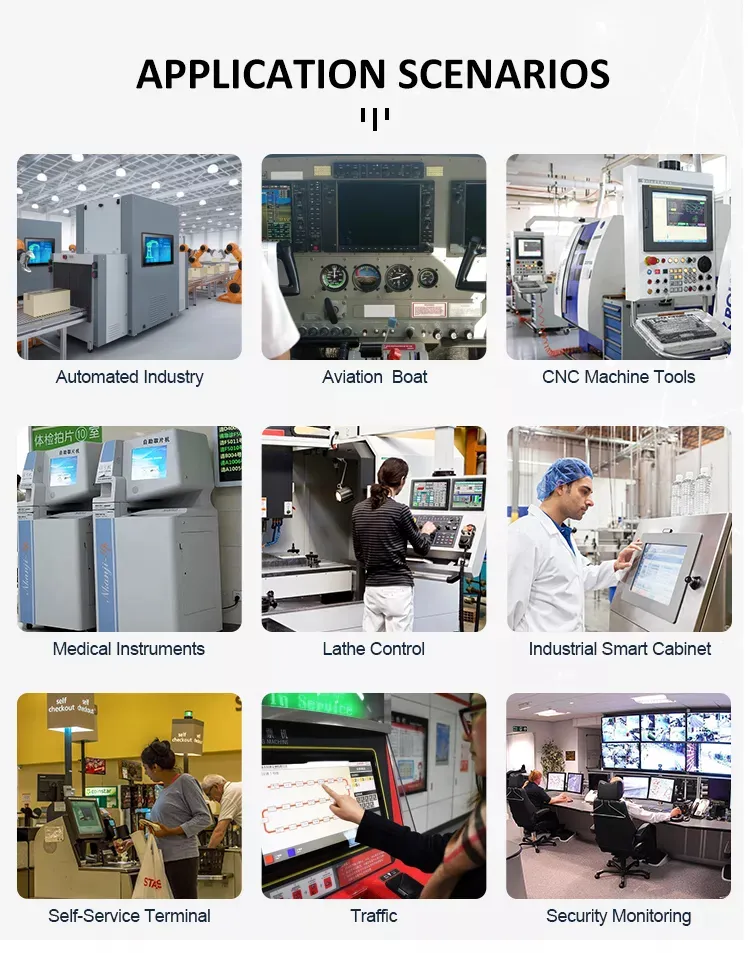
A grocery chain rolls out 800 self-checkout stations across the country. Those screens will be poked, swiped, and jabbed thousands of times daily by people in a hurry. Kids will smack them. Shopping carts will bump them. Spills will happen.
RisingStar's 15.6"–32" open frame monitors handle this without flinching. Narrow bezels so the screen feels generous. PCAP multi-touch that registers taps instantly — even from a fingernail or a knuckle. IK09+ impact glass that survives the worst of retail traffic.
A common build: 21.5", 1,500 nits — holds up against atrium skylights and floor-to-ceiling storefront glass — PCAP 10-point touch, IP65 front, portrait or landscape.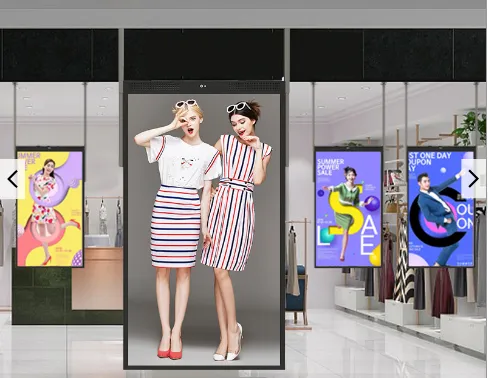
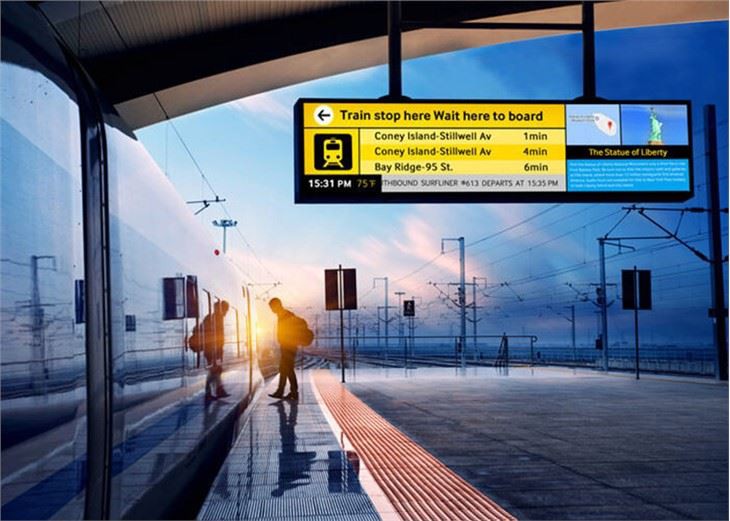
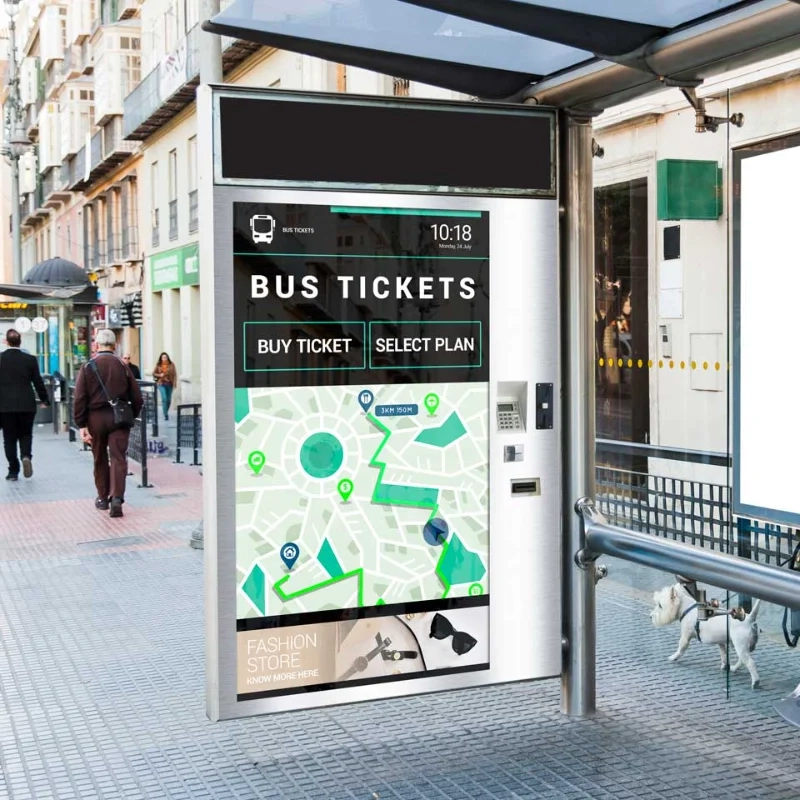
Train station ticketing kiosks run 24/7. They face morning commuter rushes, midday sun through glass roofs, and sub-zero drafts when the station doors open in January. The screen has to be readable at 6 AM in dim light and at noon under direct skylight glare. It can't lag. It can't fog. It can't go dark.
A common build: 23.8", 2,500 nits — stays readable when sunlight cuts across the platform — PCAP touch that works with wet gloves and bare hands alike, -20°C to 60°C, IP65, 50,000-hour backlight.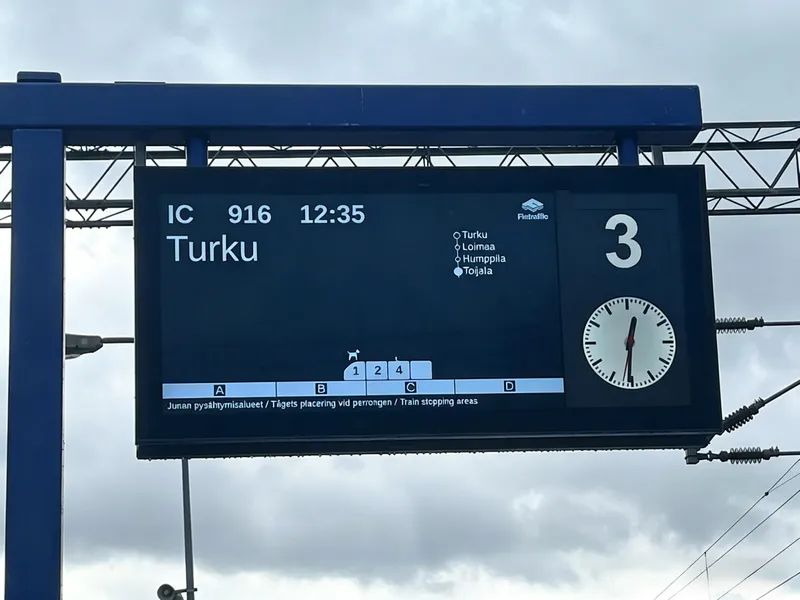
The operator stands in front of a process control panel on a factory floor. Motors hum, conveyors rumble, and fine metallic dust hangs in the air. The industrial LCD mounted in the panel shows real-time sensor data. The operator — wearing thick work gloves — taps a parameter to adjust it. The display registers the touch immediately. No stylus needed. No taking off the gloves.
A common build: 15.6"–19", 1,000+ nits — clear even under harsh overhead factory lighting — resistive or PCAP touch, -20°C to 70°C, conformal coating on PCBs against moisture and dust, 24V DC input.
A patient monitor in an ICU runs around the clock. It needs to be visible from across the room. It needs to survive being wiped down with disinfectant between every patient. It needs IEC 60601 compliance so it never introduces safety risks in a clinical environment. And the display — the actual screen — needs to be sealed so nothing gets between the glass and the LCD panel.
A common build: 10.1"–23.8", PCAP, IEC 60601 certified, fully sealed glass surface for wipe-down sterilization, low EMI design to avoid interfering with nearby medical equipment.
An ATM sitting on a busy city street runs 24/7/365. It gets direct morning sun, rain, and the occasional frustrated kick. The screen needs anti-glare treatment so customers can read it without hunching over. Privacy matters too — PIN entry happens right there on the glass.
A common build: 10.1"–15.6", PCAP with optional privacy/anti-spy filter, IK10-rated glass, 24/7 continuous operation rating, low-reflection coating for outdoor readability.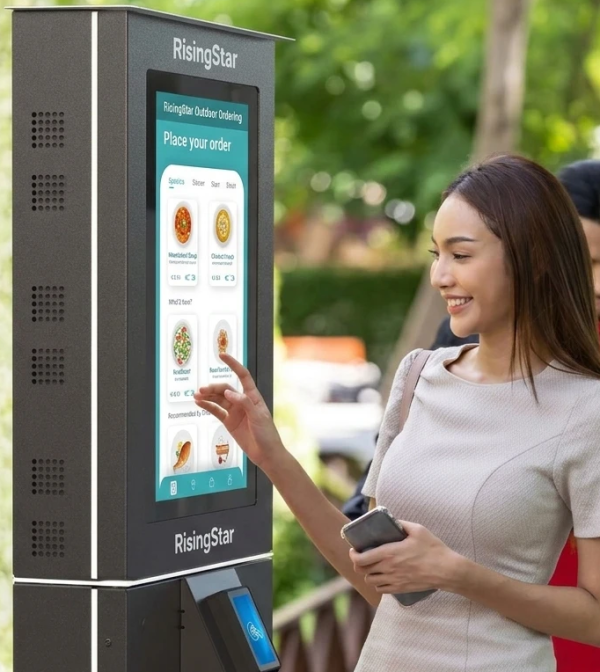
Every open frame display we ship comes out of our 4,000㎡ facility in Shenzhen. Assembly happens in a Class 10,000 cleanroom — no dust, no particulate contamination, no shortcuts. Before a single unit leaves the factory floor, it goes through:
Automated Optical Inspection (AOI): Every pixel is scanned for dead pixels, stuck pixels, and sub-pixel defects using industrial-grade camera systems. Anything outside Grade A/A+ tolerance doesn't ship.
Luminance uniformity scanning: We measure brightness at 9 points across the panel surface. Maximum deviation from center: ±5% — because a screen that's 20% dimmer in one corner isn't acceptable in a professional product.
Touch sensor functional test: Every touch sensor is tested across its entire active area, not spot-checked at corners. For PCAP, we verify 10-point multi-touch, glove mode, and wet-hand rejection.
72-hour high-temperature burn-in at 50°C: Every unit runs continuously for three days at elevated temperature with cycling content. This catches infant mortality failures — the components that would have died in the first week of deployment. If it's going to fail early, we want it to fail on our bench, not in your kiosk.
Vibration resistance verification: Mounting points, connectors, and internal cabling are verified against vibration profiles matching the intended deployment — because a display that works on the test bench but shakes loose in a train station isn't actually working.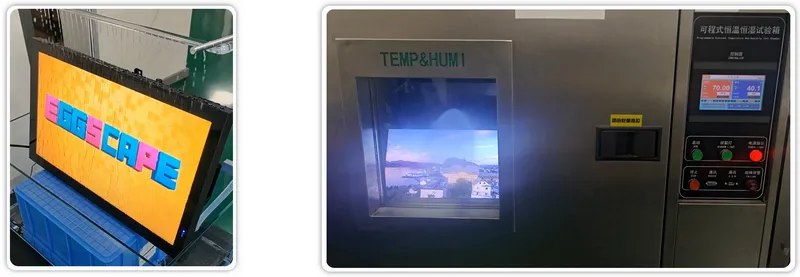
This isn't overkill. When you're deploying 500 kiosks across the country, you can't afford to have even 2% of displays fail in the field. Our outgoing quality target is zero field failures attributable to manufacturing defects.
We buy LCD panels directly from LG Display, AUO, Innolux, BOE, and Tianma. Grade A/A+ only. No gray market. No lottery. Every panel is traceable back to its production batch, and our long-term supply agreements mean your product line won't stall because someone ran out of the panel you designed around.
Standard configurations cover most use cases. But sometimes you need something specific:
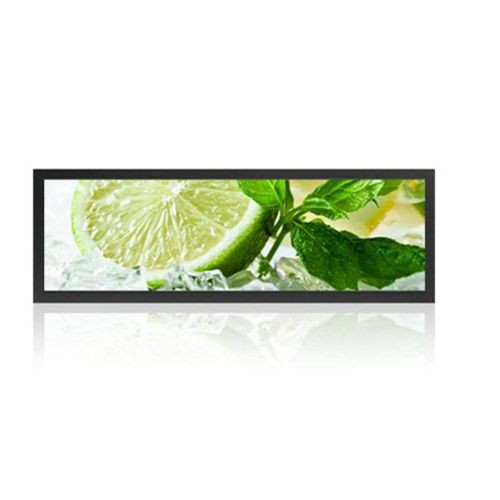
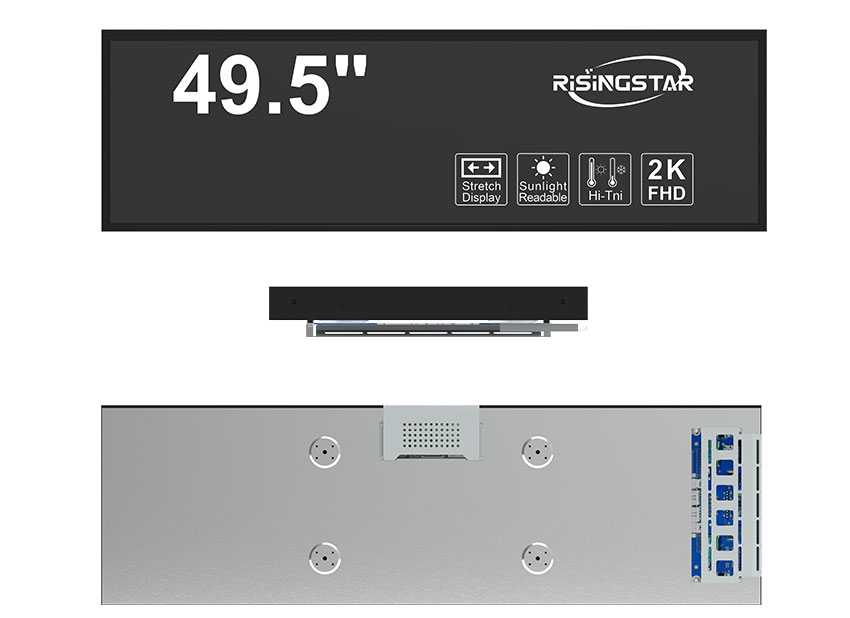
Sizes: 7" to 65", plus custom stretch-bar aspect ratios for digital signage
Brightness: Dial in anywhere from 500 to 5,000 nits — we calibrate to your spec
Bezels: Ultra-narrow, zero-bezel, custom front-glass printing — made for flush mounting
Branding: Your logo on the chassis or glass. No RisingStar marks visible when you don't want them
Onboard Compute: Pre-integrated Android or Windows System-on-Modules for self-contained kiosk brains
Since 2009, RisingStar has shipped displays to desert gas stations, Arctic bus shelters, offshore oil platforms, and tropical EV charging stations. The engineering that keeps a display readable at 50°C ambient with direct solar loading is the same engineering baked into every open frame monitor we build — even the one going into your air-conditioned medical cart.
We support OEM production lines at scale. By leveraging vertically integrated manufacturing facilities and direct partnerships with Tier-1 glass foundries, we eliminate unnecessary supply chain layers, providing high-performance, cost-efficient display solutions directly to industrial and commercial clients worldwide.
Samples: 10 working days
Bulk production: 15–25 working days
Technical support: 24/7 remote — we'll video-call into your integration bench at 2 AM if that's when you need us
Warranty: 3 years standard, extendable to 5
| Environment | Brightness | Where It Works |
|---|---|---|
| Controlled indoor lighting | 500 – 1,000 nits | Medical labs, office HMIs |
| Bright indoor, near windows | 1,000 – 1,500 nits | Retail POS, bank teller stations |
| Under skylights, semi-outdoor | 1,500 – 2,500 nits | Airport kiosks, hotel lobbies, transit concourses |
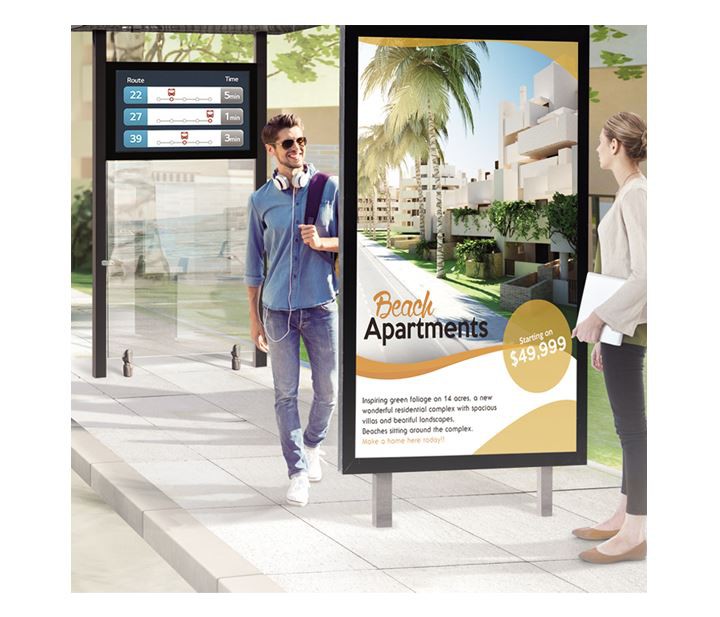
| Direct sun through glass | 2,500 – 4,000 nits | Drive-thru menus, bus shelters, storefront displays |
| Full tropical sun, no shade | 4,000 – 5,000 nits | Desert kiosks, coastal installations, reflective surroundings |
| How Far Away | Recommended Size | Typical Use |
|---|---|---|
| Arm's reach (< 0.5m) | 7"–12.1" | Handheld devices, embedded controllers |
| At-the-counter (0.5–1.0m) | 15.6"–19" | Kiosk, HMI, ATM, POS terminal |
| Standing distance (1.0–1.5m) | 21.5"–23.8" | Retail kiosks, ticketing, info panels |
| Across the room (1.5–3.0m) | 27"–32" | Wayfinding, digital signage |
| Lobby-scale (> 3.0m) | 43"–65" | Large-format public displays |
| Application | Video | Touch | Power |
|---|---|---|---|
| Android/Windows embedded | HDMI + USB | USB | 12V DC |
| Industrial HMI | VGA + RS-232 | RS-232 | 24V DC |
| Vehicle or vending machine | LVDS + USB | USB | 9V–36V DC wide-range |
| Legacy system upgrade | DVI / VGA | RS-232 | 12V DC |
A great display is the one your end users never have to think about. It responds when they touch it. It stays readable when the sun hits it. It keeps running when the temperature swings 40 degrees in a day. It fits your enclosure like it belongs there — because it does.
That's what RisingStar's open frame displays deliver.
Not a catalog part you settle for. A component engineered to your integration, your environment, and your timeline. With streamlined B2B procurement that protects your operating margins.
Send your project requirements to our engineering team. Tell us your size, brightness target, touch needs, and integration constraints. We'll come back with a configuration and a sample timeline — typically within one business day.
Website: https://www.risinglcd.com
Email: ai@risinglcd.com
WhatsApp: +86 158 8946 9208
RisingStar. Sunlight Readable. Built for Extremes.
Source: https://www.risinglcd.com/news/open-frame-display-the-screen-your-users-never-notice.html